Theory question 105
Presentation PackagePaper 2, Section B: Test of Practical Work
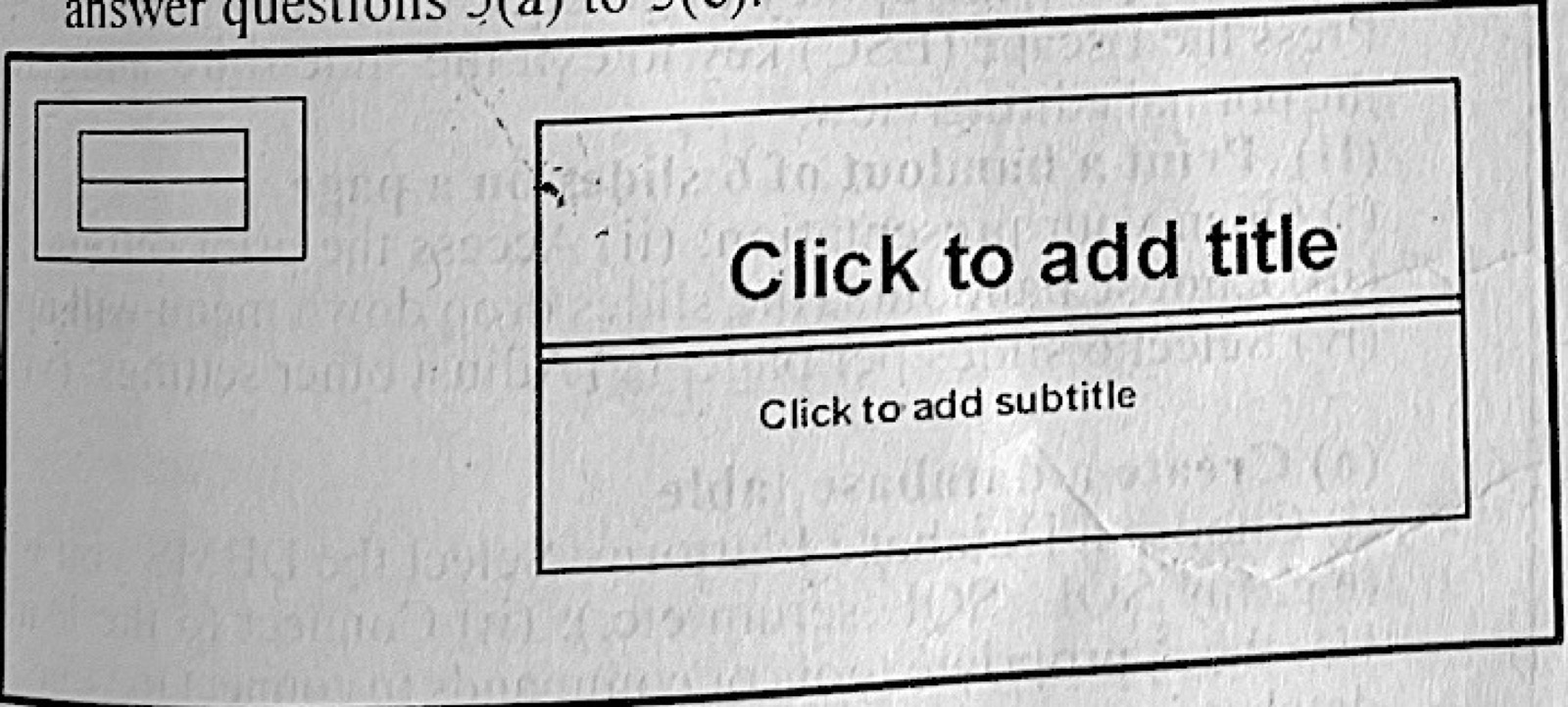
Figure 2 is an interface of an application software. Use it to answer questions 5(a) to 5(e). (a) Identify the type of application whose interface is shown in Figure 2. (b) Outline the steps to: (i) insert a new slide to the interface; (ii) delete a slide from the interface. (c) State two examples of the application in Figure 2. (d) Give two: (i) uses of the application in Figure 2; (ii) differences between transitions and animations in the application shown in Figure 2. (c) Highlight the steps to: (i) run slideshow in the application shown in Figure 2: (ii) print a handout of 6 slides on a page of the application shown in Figure 2.
Show the model answer
(a) A presentation package (Microsoft PowerPoint).
(b)(i) Click Home → New Slide (or press Ctrl + M), choose a layout.
(ii) Select the slide in the slide pane → press Delete (or right-click → Delete Slide).
(c) Any two: Microsoft PowerPoint; Google Slides; Apple Keynote; LibreOffice Impress; Prezi.
(d)(i) Any two: preparing lessons and lectures; business presentations; seminars and workshops; adverts and product launches; school projects.
(ii) Transitions are effects when moving from one slide to the next; animations are effects on objects (text, pictures) within a slide. Transitions apply to whole slides; animations apply to individual items.
(last part)(i) Click Slide Show → From Beginning (or press F5).
(ii) Click File → Print; under Settings choose Handouts → 6 Slides Horizontal/Vertical; click Print.
Transitions are between slides; animations are on objects within a slide.