Theory question 105
InternetPaper 2, Section B
(a) Itoro was tasked with the responsibility of producing the report of his group project. He is to submit both the soft and hard copies of the report to his form teacher. The soft copy must be sumbitted to the email: formteacher@school.edu.ng. (i) List two: I. applications required to carry out the task; II. hardware required to carry out the task. (ii) Identify two conditions to be satisfied by Itoro to submit the electronic copy of the report. (iii) On the first attempt to send the soft copy of the report, Itoro observed a ‘spinning wait cursor’/‘spinning disc pointer’ on the screen for a long time. Identify three possible reasons for the observation. (iv) State one output device that can be used to produce the hard copy of the report.
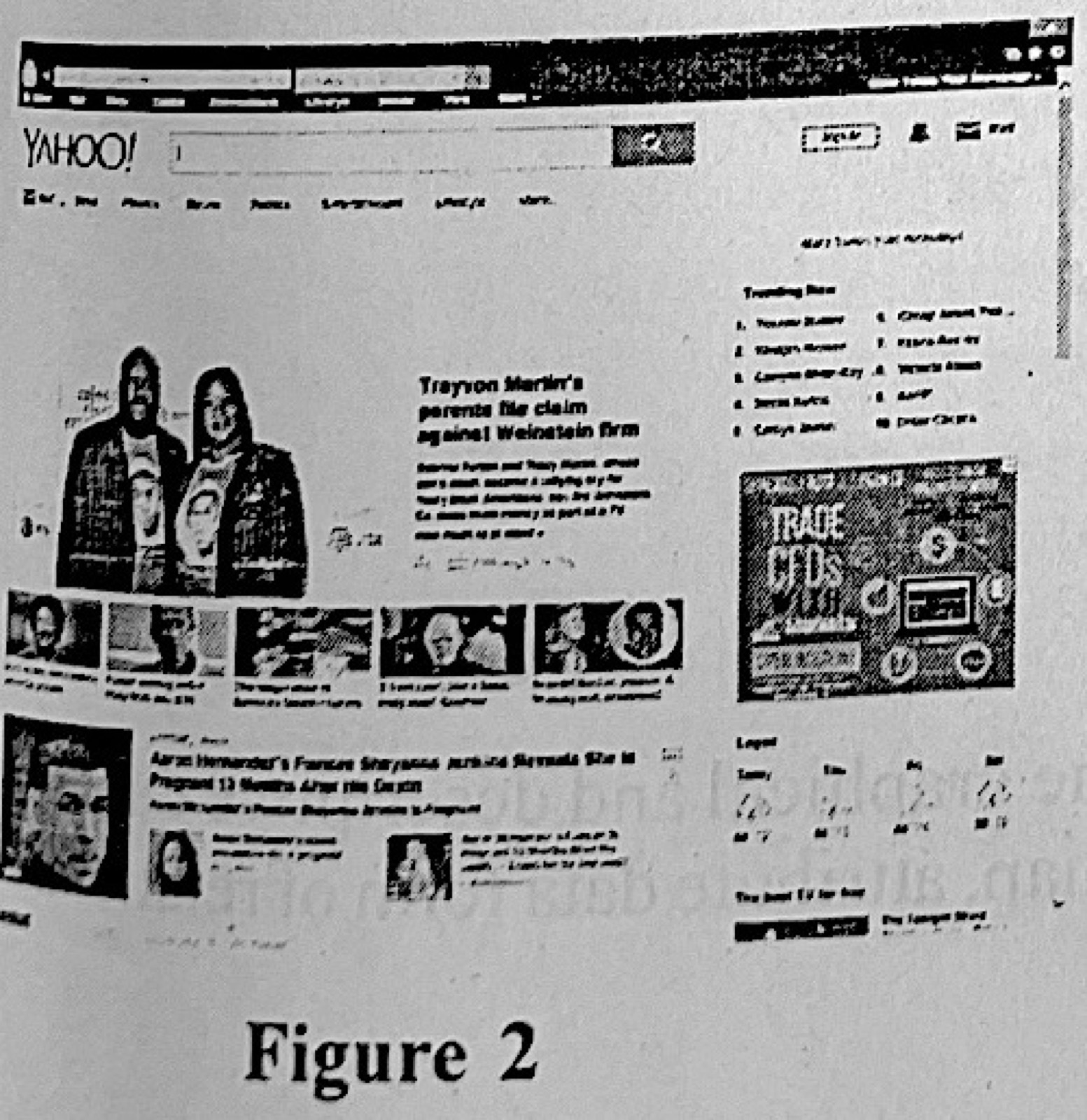
(b) Figure 2 is an interface of an application software. (i) Name the type of application software represented in figure 2 (ii) List three examples of the application in 5(b)(i). (iii) Given that the application in figure 2 is running on a computer that has Internet access, outline the steps to follow in creating an email addresss/account.
Show the model answer
(a)(i) I. Any two: word processor (MS Word); web browser; e-mail program. II. Any two: computer (system unit, monitor, keyboard, mouse); printer; modem/router or network card.
(ii) Any two: he must have an e-mail account; internet connection; the report saved as a file (to attach); the teacher's correct address.
(iii) Any three: slow or poor internet connection; the attachment file is large; the computer is low on memory or busy with many programs; the system is infected with a virus; the mail server is busy.
(iv) A printer.
(b)(i) A web browser (showing the Yahoo web portal).
(ii) Any three: Google Chrome; Mozilla Firefox; Microsoft Edge/Internet Explorer; Opera; Safari.
(iii) Type the mail site (e.g. www.yahoo.com) in the address bar and press Enter; click Mail → Sign up/Create account; fill in name, preferred e-mail address, password, date of birth and phone number; complete the verification (code sent to phone); accept the terms and click Continue/Create account.
Think about what can slow sending: the connection, file size and the computer.